
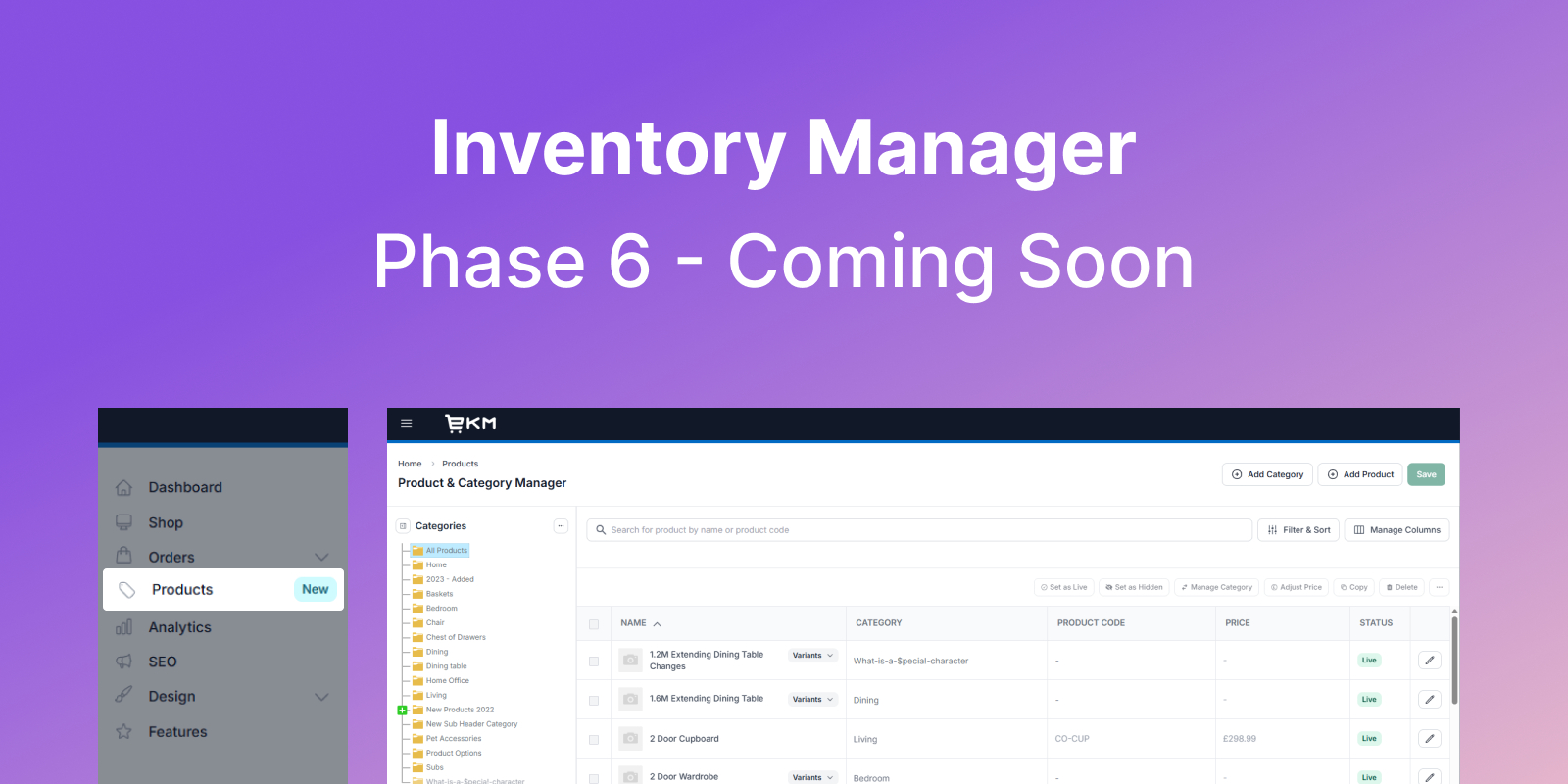
Managing products and categories efficiently is a core part of running your day-to-day operations, especially as your catalogue grows and becomes more complex. We know that speed, clarity and ease of use make a real difference when you’re updating products, organising categories or checking stock.
With that in mind, we’re rolling out a major update to how you manage products and categories across the platform this week. Before it goes live, we wanted to share what’s changing and how it will improve your day-to-day workflow.
These updates are designed to make product and category management faster, clearer and more intuitive, while bringing everything into one central place within the platform.
Here’s what to expect…
Inventory Manager is being renamed to Product & Category Manager
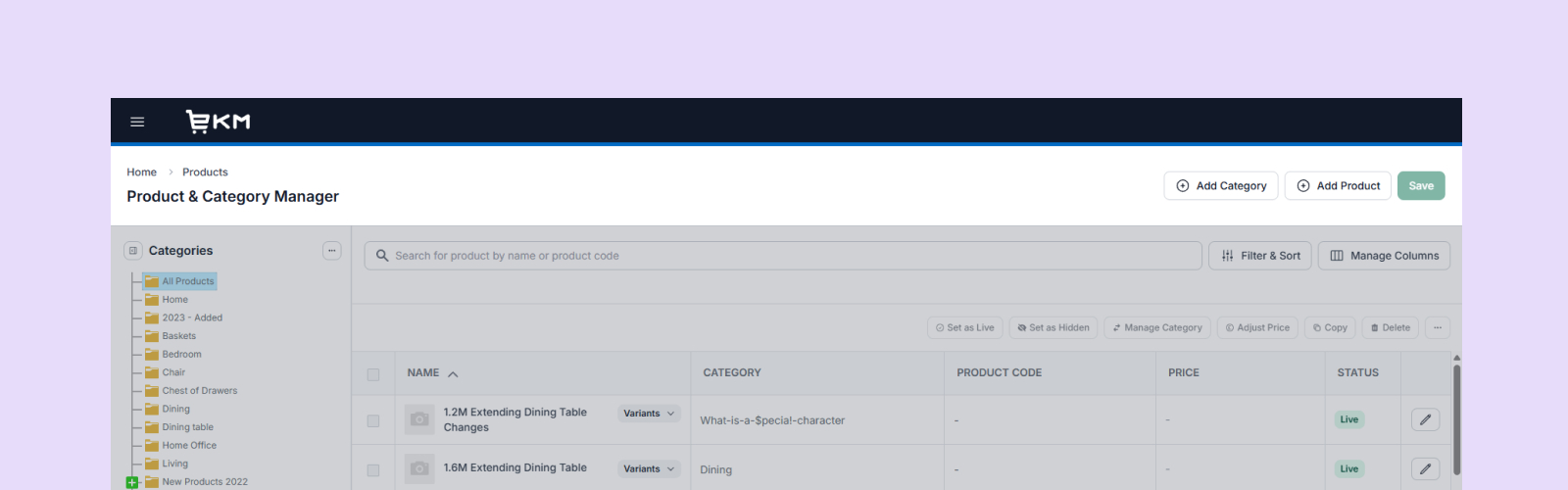
Inventory Manager is being renamed to Product & Category Manager to better reflect its purpose, making it clearer what the feature does and easier to find within the platform.
Now part of your main navigation
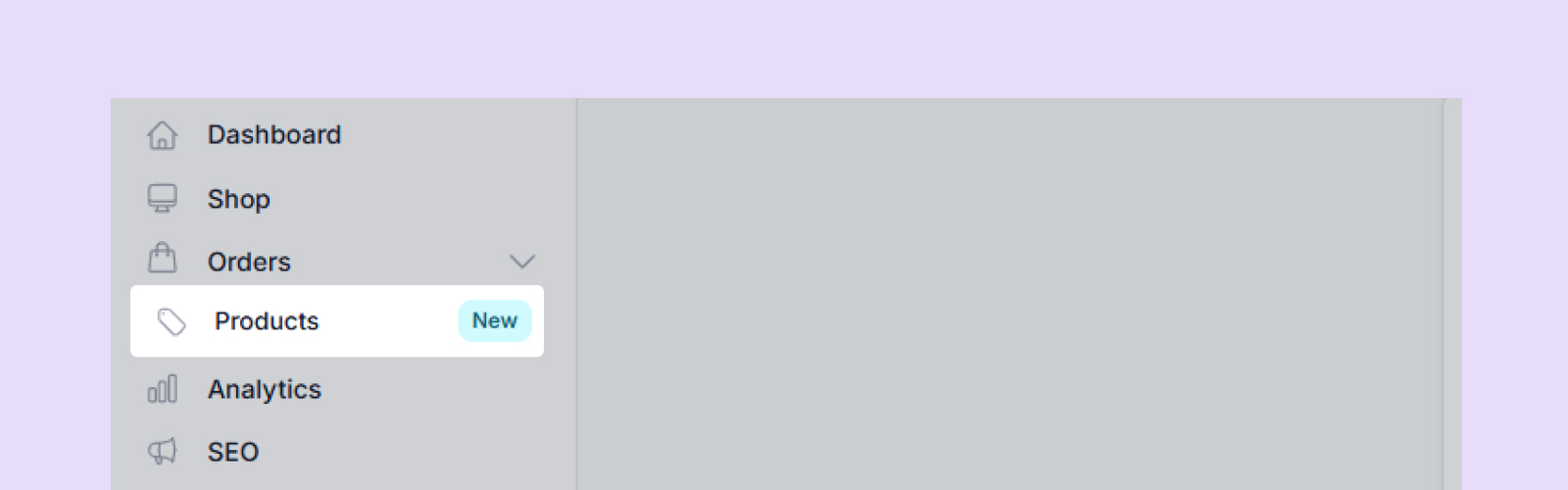
The Product & Category Manager will be accessible directly from the main navigation under “Products”, bringing it into a central location so you no longer need to look for it as a separate feature.
Pinned Inventory Manager removal
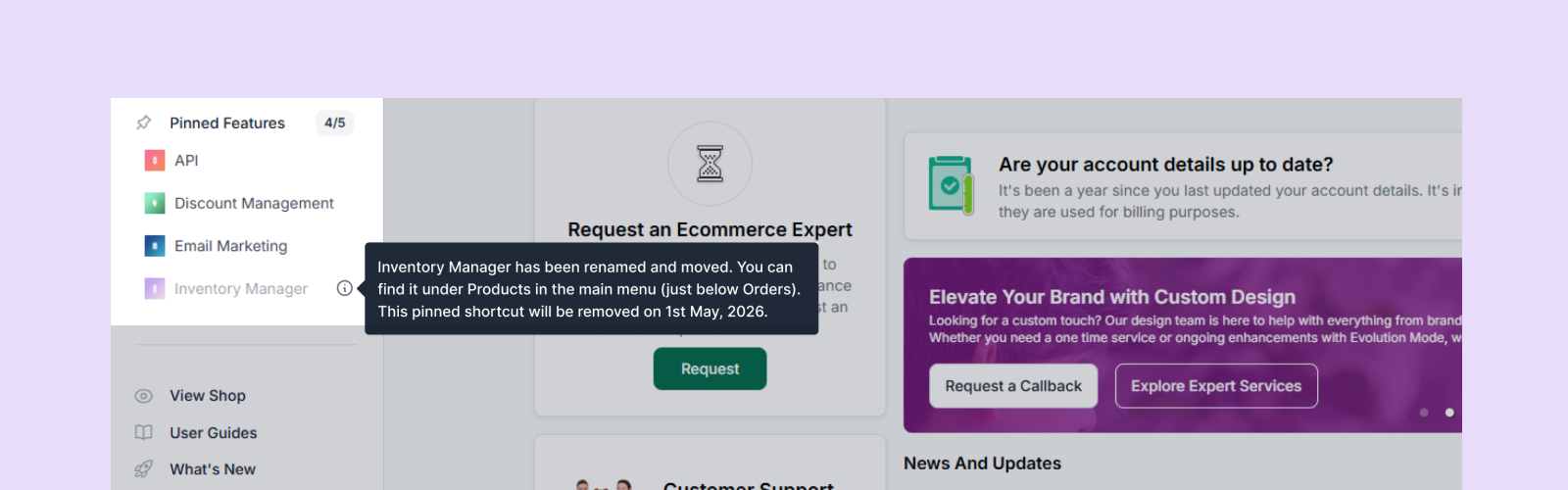
All pinned Inventory Manager entry points will be removed on 1st May as the functionality moves fully into the main navigation, creating a single, consistent way to access product and category management.
A new category tree panel
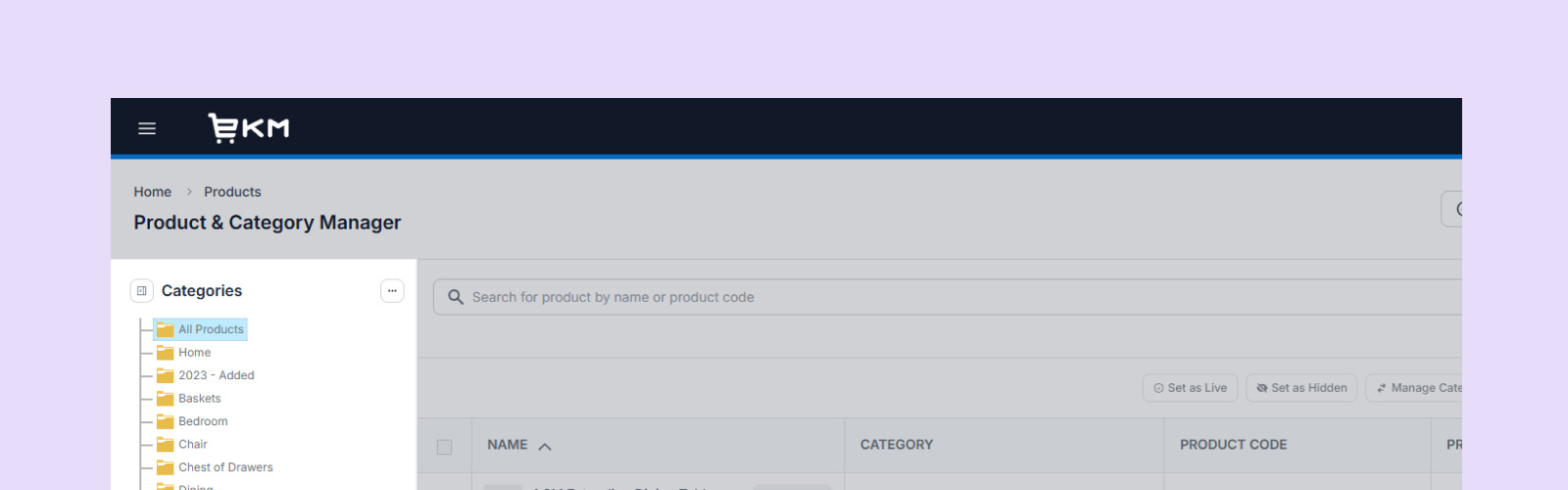
We are replacing the category drop-down with a fully visible category tree panel on the left, allowing you to see your full category structure at all times and move between categories and subcategories more quickly without losing context.
Expandable & collapsible category panel
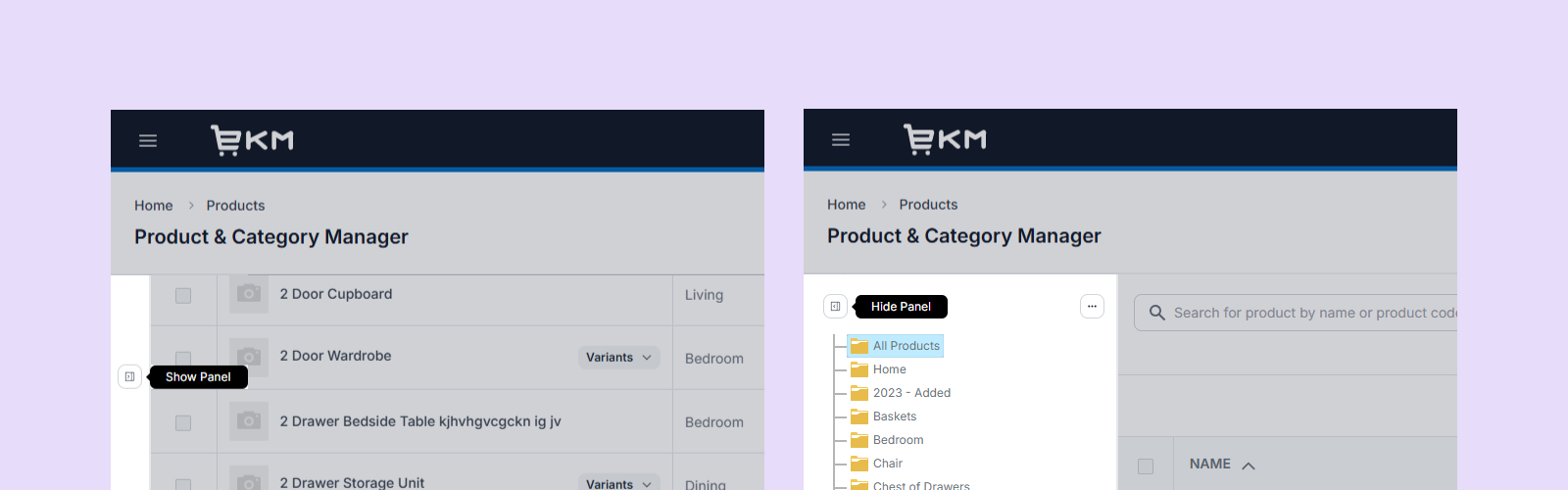
The category panel can now be expanded or collapsed depending on your preference, giving you more flexibility to focus on products or bring back full navigation when needed.
Improved category management tools
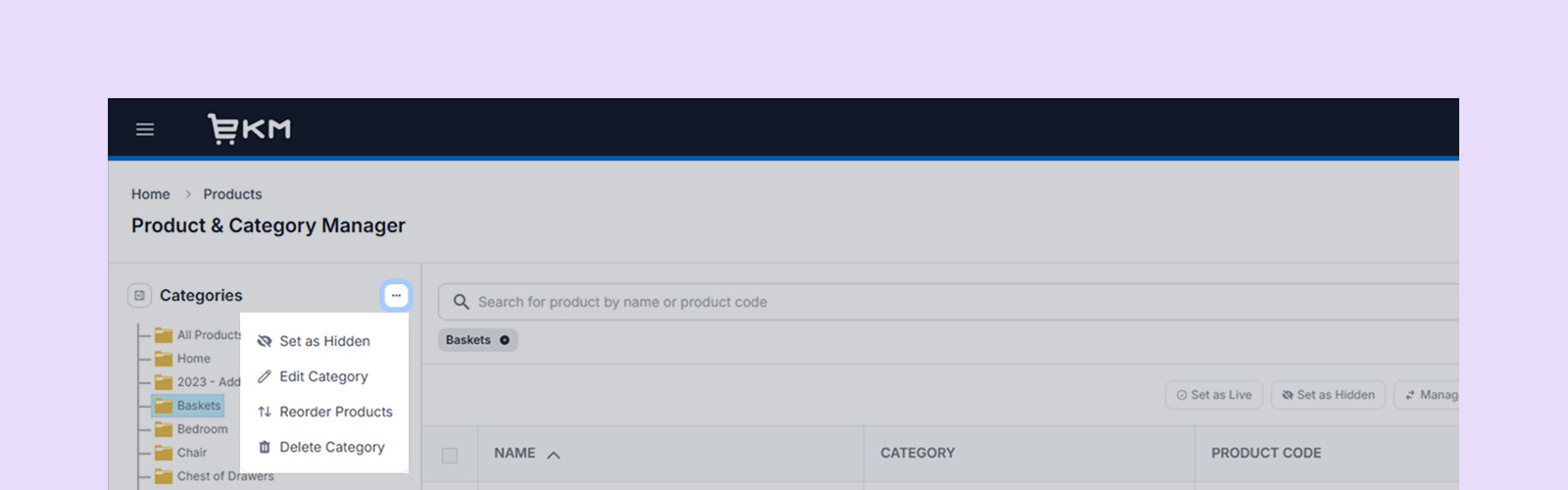
You will be able to manage categories directly from the side panel, including Set as Live, Set as Hidden, Edit Category, Delete Category, Reorder Products and Bulk Delete, all without switching tabs. Bulk delete will be available when viewing All Products or the Home category.
Improved search behaviour
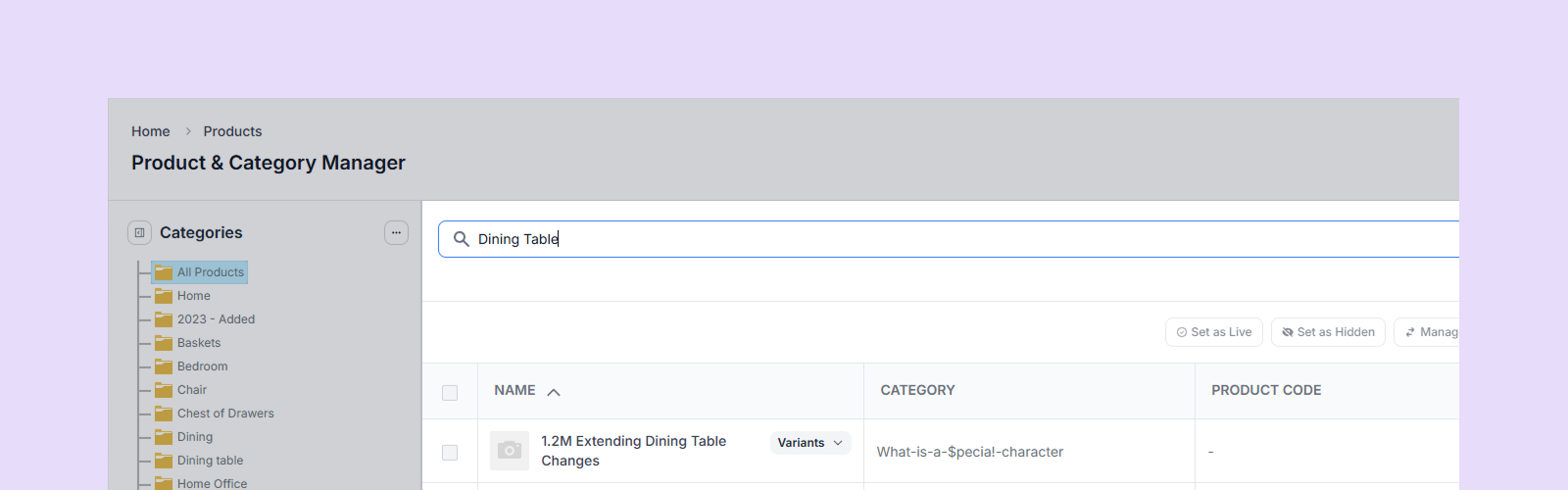
Search will be updated so individual keywords return relevant results, even if they are not full phrase matches, making it easier to find products based on partial or remembered terms.
Filter and sort by custom attributes
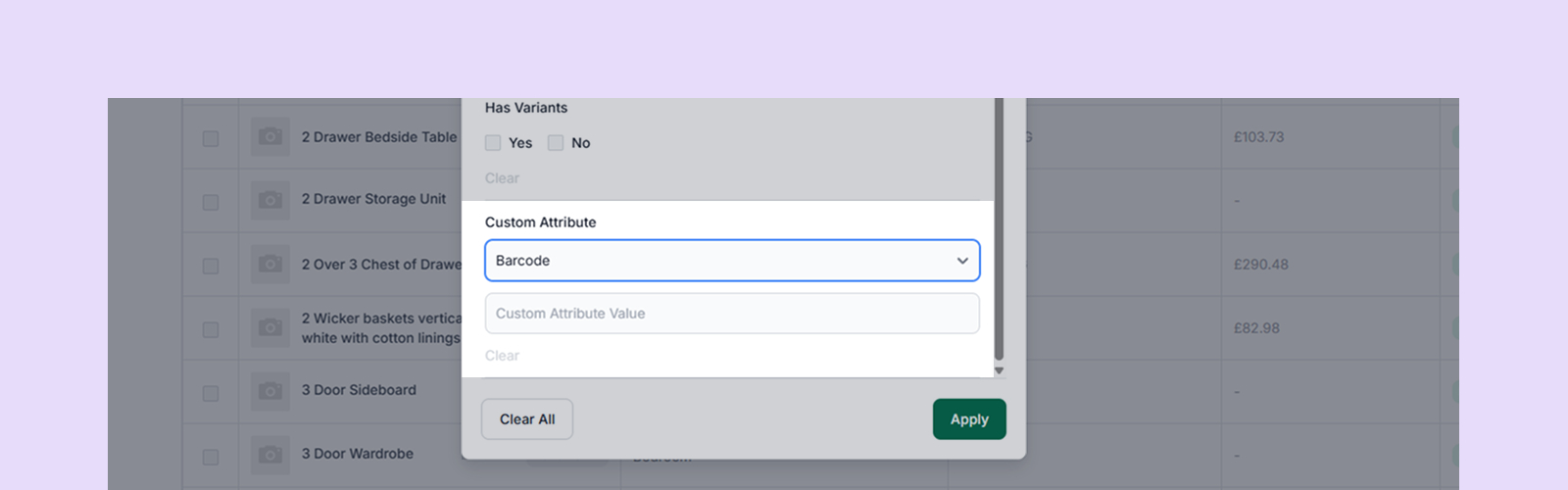
You will be able to filter and sort products using custom attributes, making it easier to organise and locate products based on the data that matters most to your business. We’ve listened to your feedback on this improvement.
New stock status filter
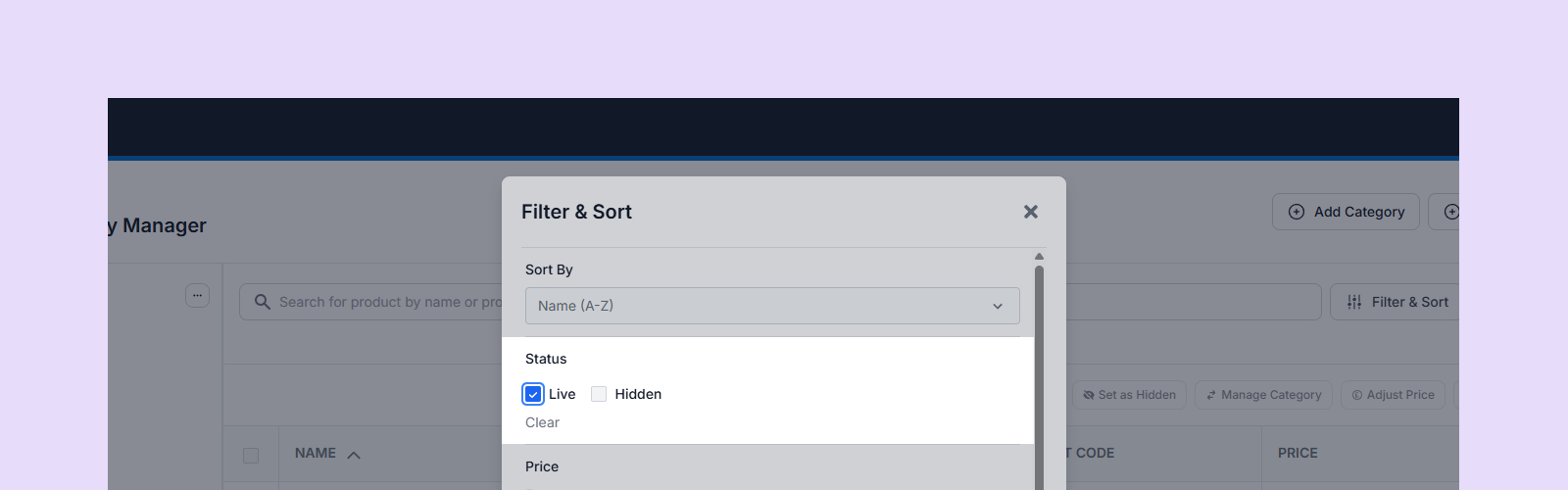
A new filter will allow you to view products by stock status, helping you quickly identify in-stock, low-stock and out-of-stock items so you can manage inventory more effectively.
Updated display options
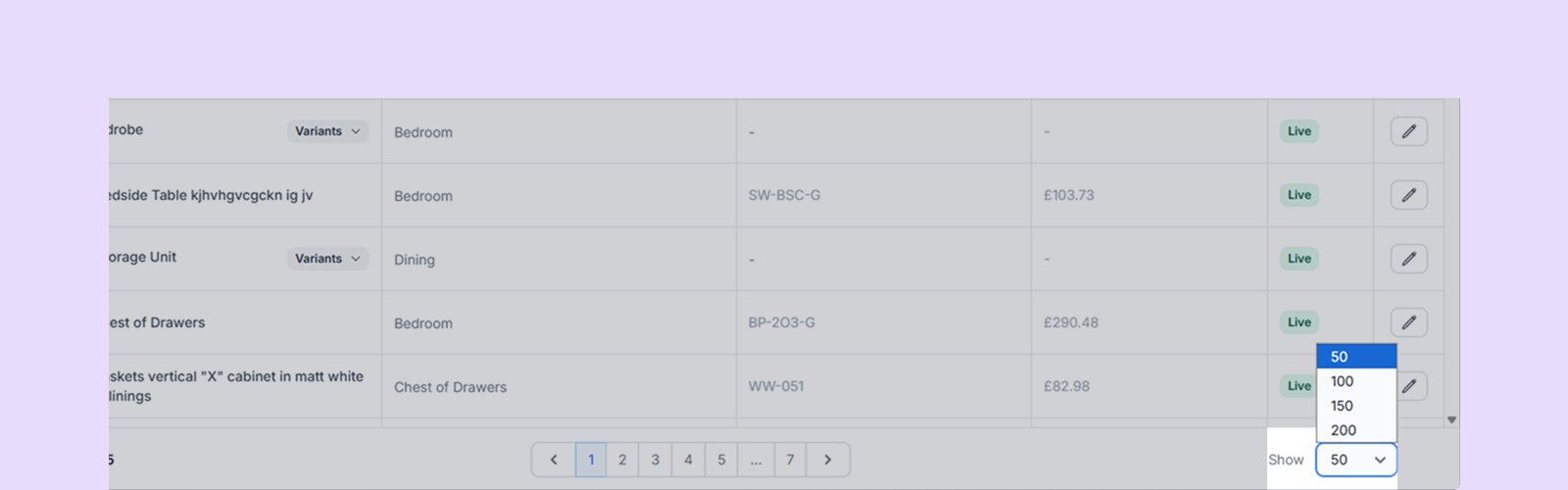
The default number of products shown per page will be updated to 50, with additional options for 50, 100, 150 and 200. Your selection will be remembered to help you work more efficiently with larger catalogues.
Automatic saving on pagination changes
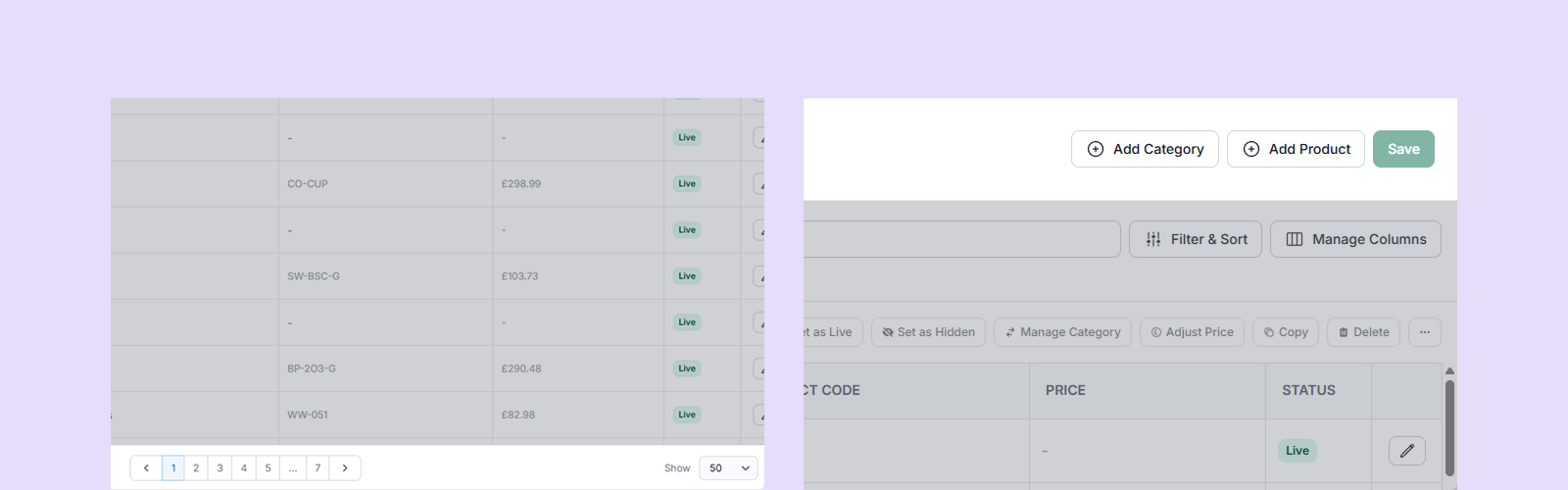
Changes will be saved automatically when pagination controls are adjusted, reducing the risk of losing updates and removing the need for manual saving when navigating product lists.
We’ll be rolling this update out throughout this week for all customers, and once it’s live we’ll share another post confirming the release and walking through the changes in action, along with helpful guides for each section to help you get the most out of the new Product & Category Manager.
We recommend taking a few moments to explore the updated layout once it’s live, particularly the new category panel and filtering options, as these will have the biggest impact on how you navigate and manage your catalogue day to day.