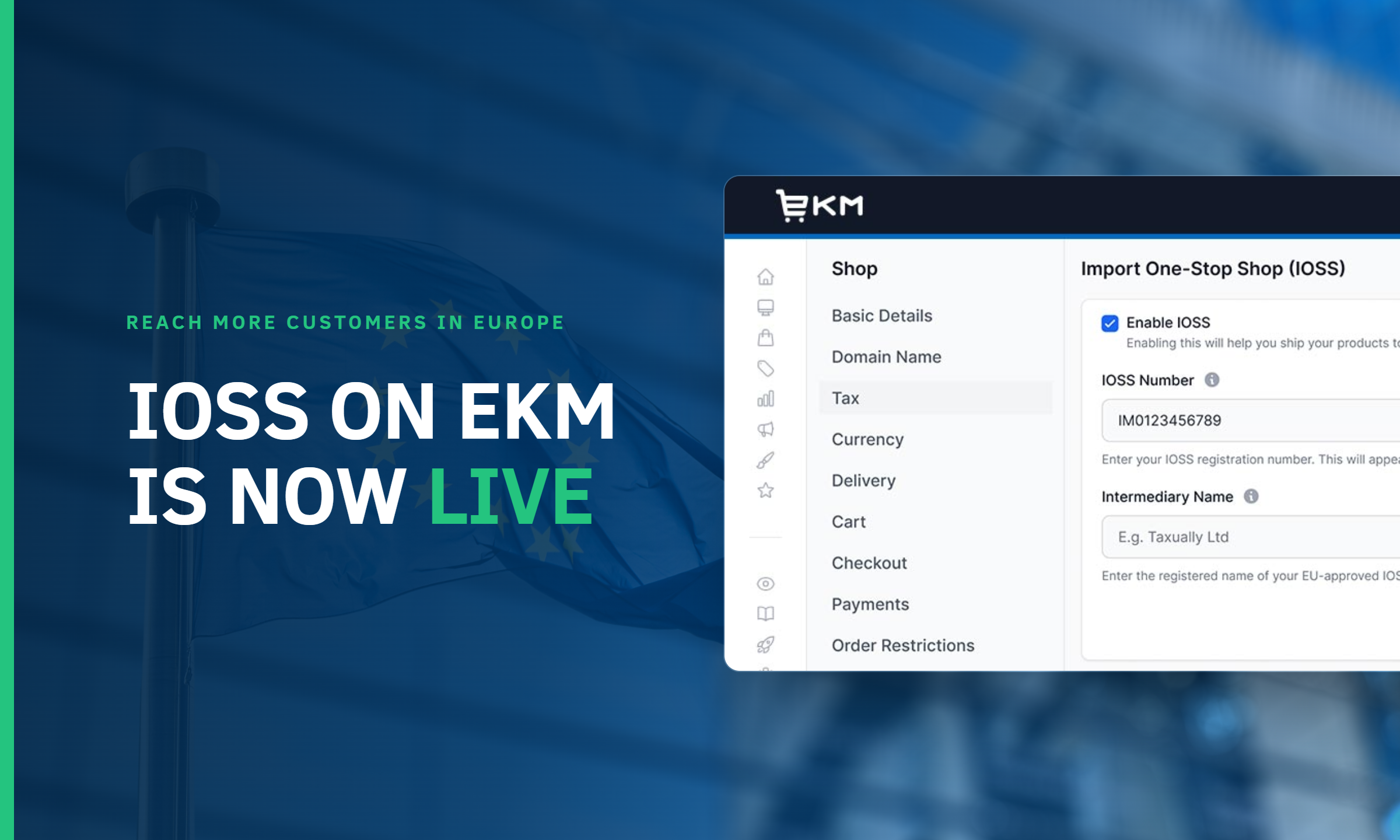
You asked, we delivered. IOSS, the Import One-Stop Shop, is now available directly from Settings > Tax in your EKM dashboard, and it changes how EU customers experience checkout on your shop.
The problem this solves
Before IOSS, a customer in France or Germany could place an order, pay what looked like the full price, and then be stopped at the border with an unexpected VAT bill before their parcel was released. That kind of surprise cost, appearing after the sale rather than at it, is exactly the sort of friction that makes an international customer think twice about ordering from a UK retailer again. IOSS removes that step entirely. VAT is collected upfront, at your checkout, so the price your customer sees is the price they pay, with nothing further to settle on delivery.
For an established retailer already selling well domestically, this is less about a single feature and more about what it opens up. Selling into the EU with confidence, rather than working around it, is a meaningfully different proposition, and it’s one a lot of you have been asking us for.
Getting IOSS set up
First, switch IOSS on in Labs. Once enabled, you’ll find it in Settings > Tax, where you’ll enter a 12-character IOSS number, along with the name of your intermediary. This is a registered agent that UK businesses need in order to use IOSS, a requirement introduced after Brexit rather than something EKM has added on top.
Alongside your IOSS number, you’ll add HS codes for each product you sell, together with the tax rate that applies in each destination country. HS codes are universal classification numbers that tell customs systems what a product is and what tax should apply to it. You can look these up per product, and once they’re entered here, they become available to apply to your catalogue, which is the next stage of the process.
For the full walkthrough, see our guide on configuring IOSS, UKIMS and EORI settings.
Where EORI and UKIMS fit in
IOSS doesn’t sit in isolation. Two related settings live alongside it once enabled, and it’s worth understanding how they connect rather than treating them as three separate jobs.
EORI, the Economic Operators Registration and Identification number, is the broadest of the three. It’s how customs authorities identify your business for any international shipment, whether that’s selling into the EU, importing stock from anywhere in the world, or as a prerequisite for the third setting, UKIMS. If you don’t already have an EORI number, you’ll need to apply for one before IOSS or UKIMS can be completed.
UKIMS, the UK Internal Market Scheme, is narrower and only relevant if you ship from Great Britain into Northern Ireland. It requires a UKIMS number in a specific format, built using an “XI” prefixed EORI number, which is why EORI has to come first. None of these are difficult individually, but the order matters, and it’s easy to get stuck if you approach them out of sequence.
Applying HS codes across your catalogue
Once your codes are set up in Tax settings, applying them across your catalogue doesn’t mean touching every product by hand. Download the template spreadsheet directly from the IOSS settings page, fill in the HS code and country of origin for each product, and upload it back in the same place. Your whole catalogue is tagged in one pass, without needing to go through the general Import/Export System at all.
For the full walkthrough, including exactly what the template expects, see our guide on adding HS codes to your products.
Country codes made simple
When filling in the “Origin Country” column, you’ll need standard two-letter country codes, GB for the UK, FR for France, and so on. Rather than searching for these individually, our full country code reference covers every country, so this step doesn’t become the slow part of the process.
Why this matters for growth
Taken together, these settings take a retailer from no international shipping setup at all to fully compliant, ready to sell into the EU and Northern Ireland with a checkout experience that matches what an EU customer already expects from retailers based in the EU itself. That’s the real shift here: not just avoiding a compliance problem, but removing a genuine barrier to reaching more customers in Europe.
New to all of this?
That’s a fair amount to take in for something that, in practice, is one toggle in Labs and three settings behind it. If IOSS, UKIMS or EORI are new territory for your business, our full setup guide walks through each one step by step.
This has been one of the most requested additions from EKM sellers trading internationally, and it’s built to sit alongside how you already manage tax and shipping, not on top of it.
Ready to get started? Log in to your EKM dashboard and head to Settings > Tax.